
A page for the event
Set the event cover, logo, accent colors, theme and page sections.
For schools and learning centers
Create branded Pages for graduations, sports days, performances, competitions and center activities. Upload originals once to Photo Library, select the right collection and let each guest search that Page using a selfie.
EventPhotoFind does not create a persistent child identity by default. Every public selfie search stays inside the selected event.
Available today
Your authorized team uploads originals once to Photo Library, selects a photo set for a Page and shares its link. Families or learners review the search notice before using a selfie to find matches only from that Page.
Set the event cover, logo, accent colors, theme and page sections.
Bring in the files your organization is authorized to use and distribute.
Each public search is limited to one event and does not search across years, classes or other organizations.
Guests see matched results without browsing the full event gallery first.
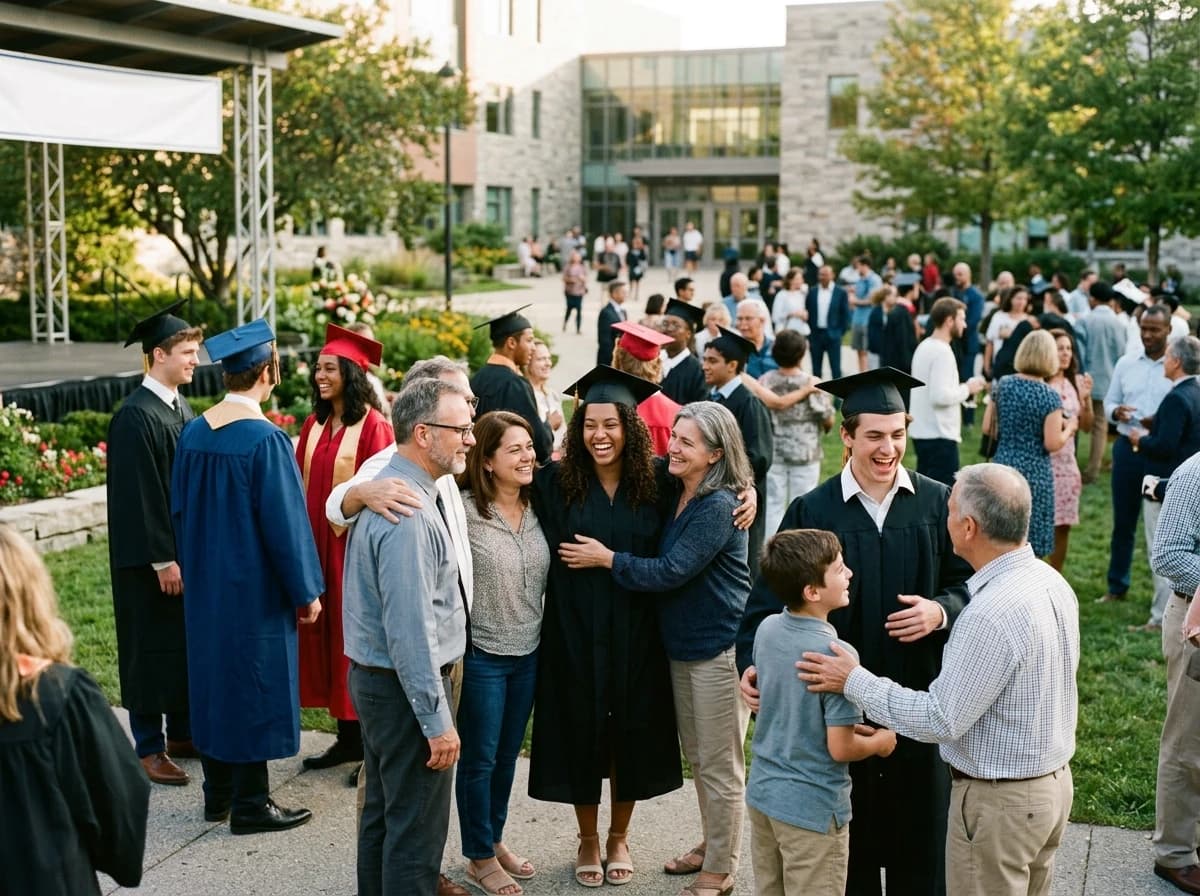
Help each family move from one ceremony gallery to the moments they came to keep.
Give participants a direct way to search photos from a high-volume day of activities.
Deliver photographs from concerts, dance shows, recitals and stage events through one branded page.
Organize the event experience around the people who took part—not around one enormous folder.
Share moments from workshops, language programs, art classes and community days one event at a time.
Planned for school and center workflows
We are designing a workflow for organizations that collect photos throughout the year from multiple authorized contributors. The direction below is planned, not available in the current product yet.
Keep approved photo assets in workspace folders for the year, program, class, activity or event—without making every folder a public gallery.
Invite staff, teachers or photographers to upload into an assigned folder from a mobile-friendly link or QR code, without giving them access to the full workspace.
Separate incoming uploads from approved library assets so the publishing team can review, move or reject files before they appear in an event experience.
Select photos from multiple folders, include individual assets and exclude exceptions while keeping the original asset managed in one place.
Use a live source when new approved photos should appear automatically, or freeze a snapshot when the published set must stay unchanged.
Reference the same approved asset in more than one event gallery while keeping storage, retention and authorization attached to the canonical asset.
Folders organize and collect. Event galleries publish and deliver. Keeping those jobs separate is what makes the same approved photo useful without making every internal folder public.
A narrower identity model by default
The current product does not store the guest selfie and does not create a persistent child profile by default. Planned contributor and library workflows must preserve tenant isolation, event scope and explicit organizational control.
Use the current event experience for a graduation, performance or activity day. If your organization manages photos throughout the year, tell us how contributors, approvals and folders work for your team.
Common questions
No. The current guest search is scoped to one event. EventPhotoFind does not create a persistent child identity or a cross-event family profile by default.
No. The guest selfie is processed in memory for the current event search and discarded when the request ends.
Workspace members can collaborate within the roles currently supported by the product. A narrower contributor-upload workflow with assigned folders and a Media Inbox is planned and is not available yet.
That reusable-asset workflow is planned. The current product remains event-centered, so confirm the current upload and event behavior in the demo before choosing a plan.
No. EventPhotoFind describes how the product processes data, but it does not provide legal advice. Each organization must decide whether and how face search should be enabled for its location and participants.
Schools, tutoring and language centers, music and dance academies, sports programs and other learning communities that manage event photography with authorized contributors.