
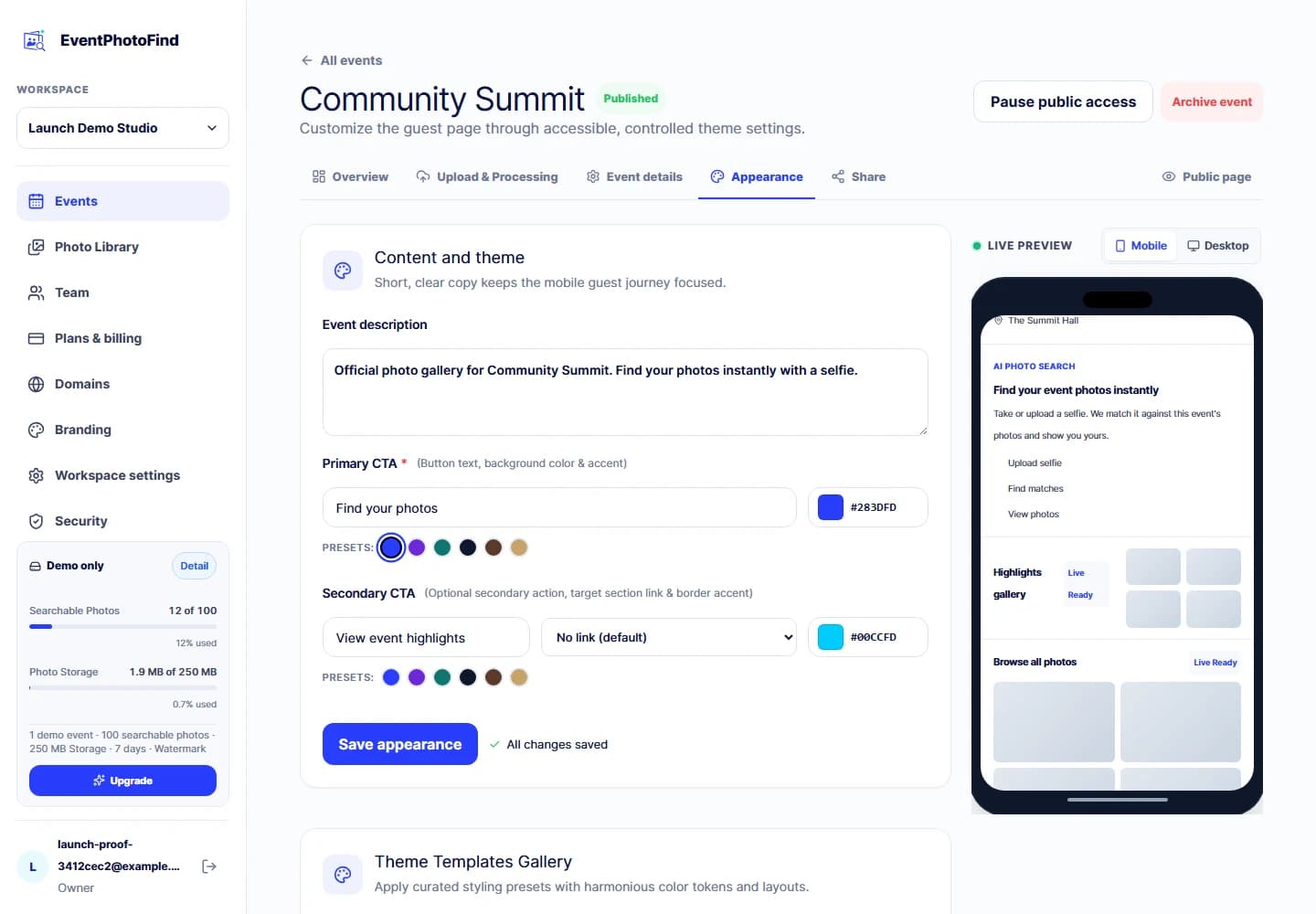
01 · Event identity
Create an event guests will recognize
Start with the event identity: title, timing, cover, logo, accent colors, theme and page sections. The public experience should feel connected to the event—not like a generic file browser.
Product tour
Create the event, upload the photos and share one branded page. EventPhotoFind handles preparation and event-scoped search so every guest has a shorter path to the moments they are in.
You prepare the event once. Each guest follows a short path designed around the photos they came to find.
Keep events, team access, brand settings and usage in one place.
Set its name, date, cover, appearance and availability.
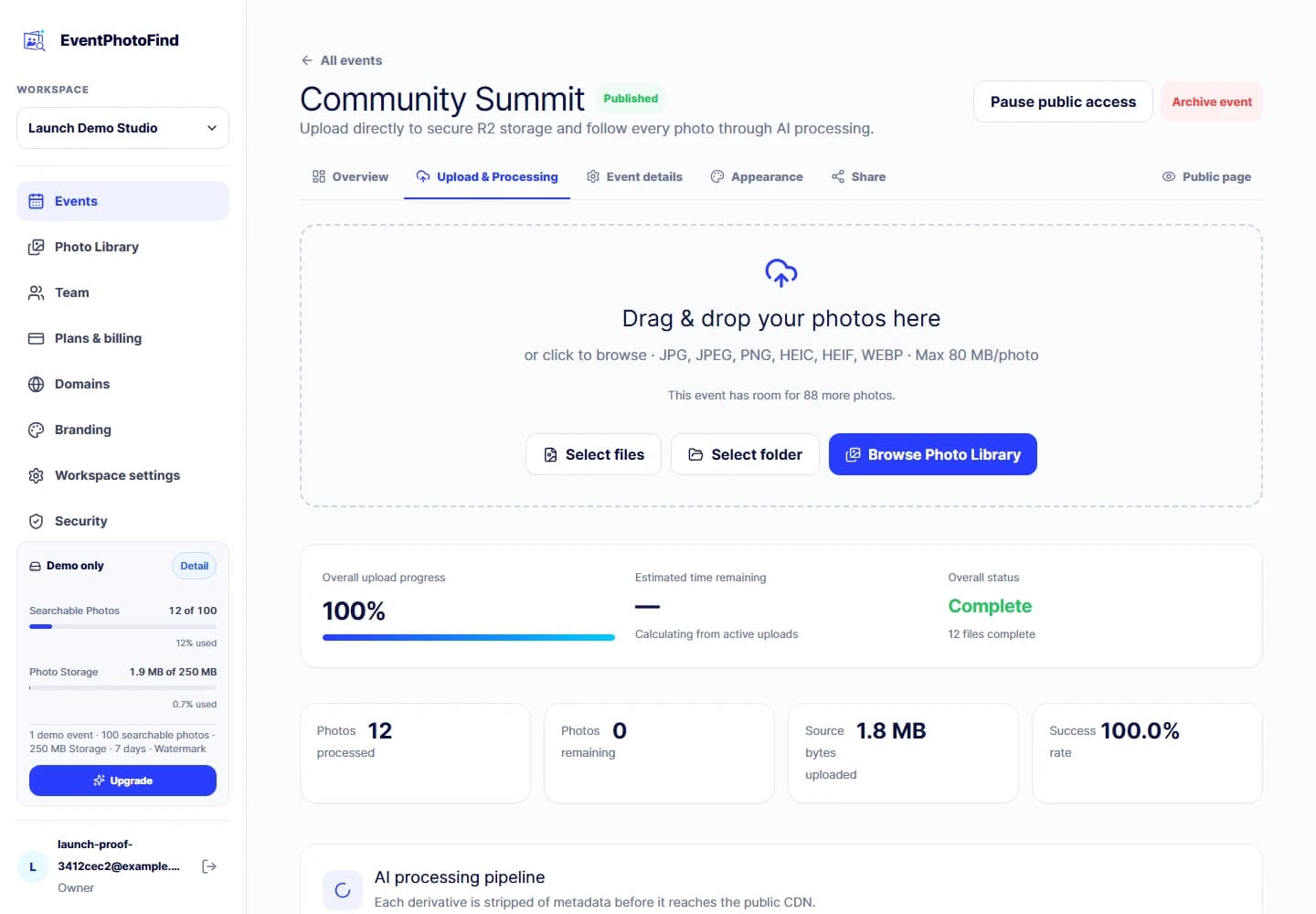
Upload directly from the browser with event and quota checks applied before authority is issued.
See which files are ready, still processing or need attention.
Use one event URL or QR code across the channels guests already use.
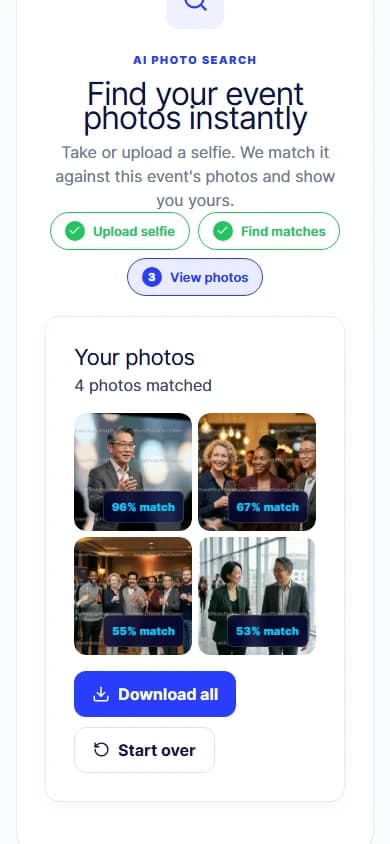
Use the shared link in a mobile browser.
Understand what happens to the selfie before the camera opens.
Search only inside the current event.
Browse the result set and use the viewing, download or purchase options configured for that event.
Product tour
Start with the event identity: title, timing, cover, logo, accent colors, theme and page sections. The public experience should feel connected to the event—not like a generic file browser.
EventPhotoFind validates the event, workspace and available capacity before issuing short-lived upload authority. Files go directly from the browser to Cloudflare R2 and can be up to 80 MB each.
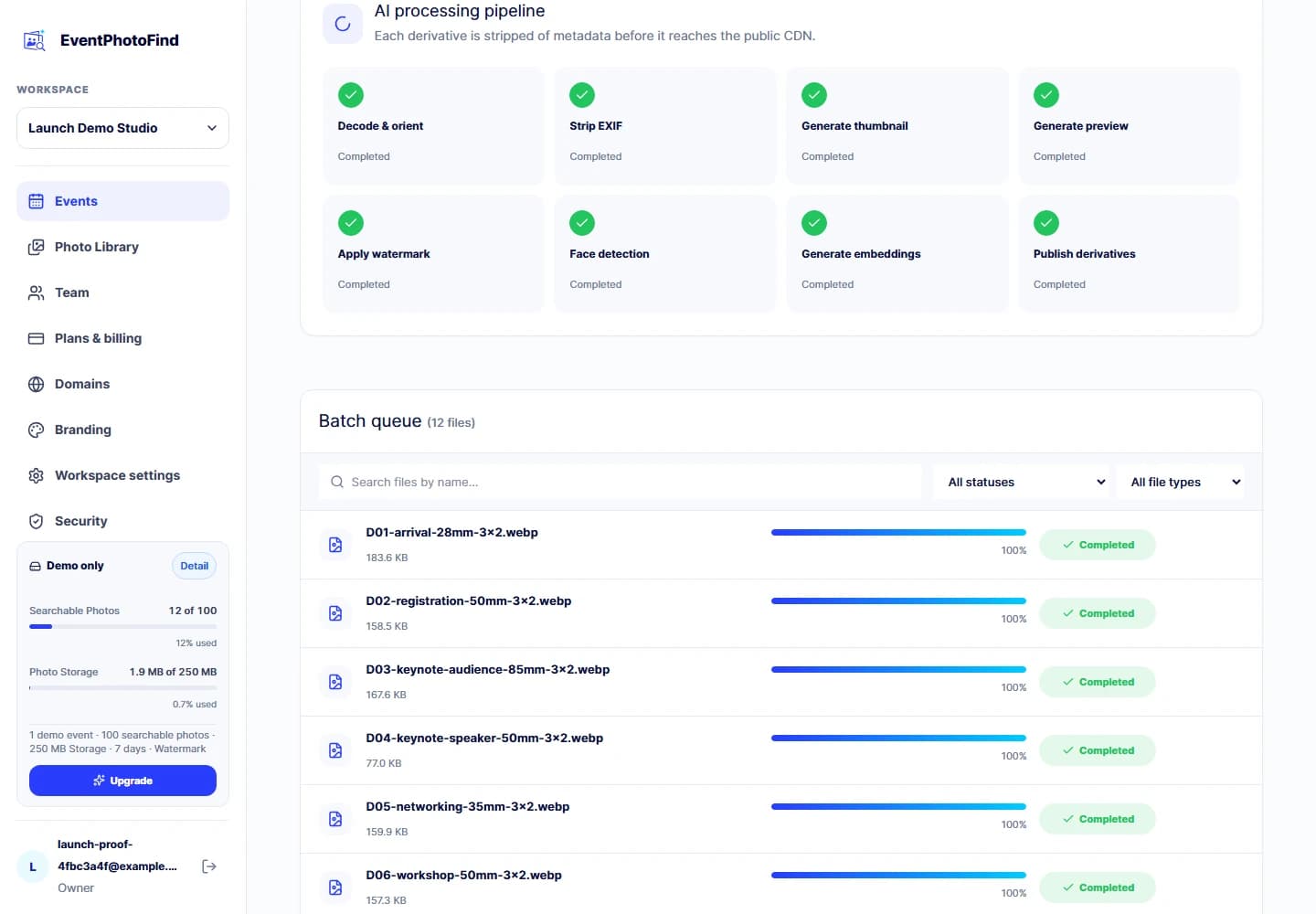
Processing prepares gallery derivatives, removes camera metadata and creates the event-scoped face index. Clear pending, processing, ready and failed states keep the workflow visible.
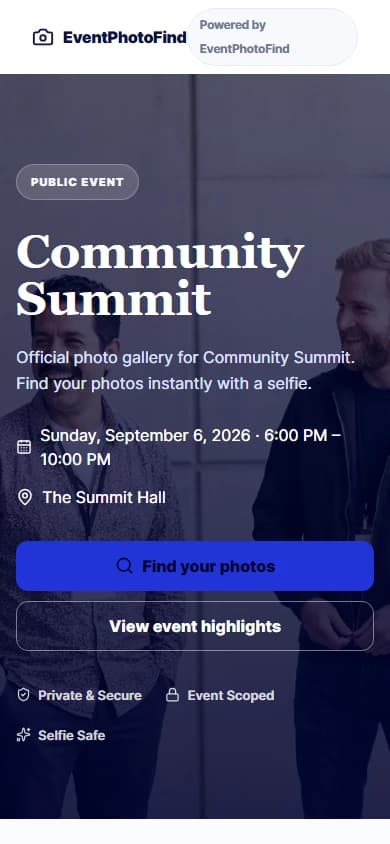
Share the event page as a URL or QR code. Guests see the event identity, the current consent copy and the search options configured for that event.
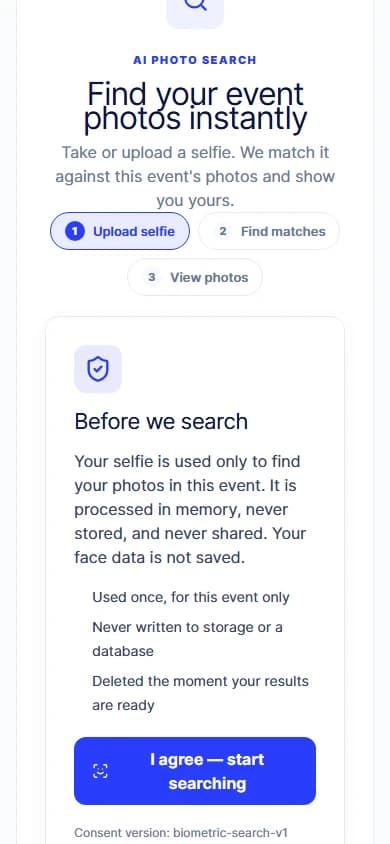
The guest selfie is held in memory, compared with the current event and discarded when the request ends. Stored face embeddings are not directly queryable by public clients.
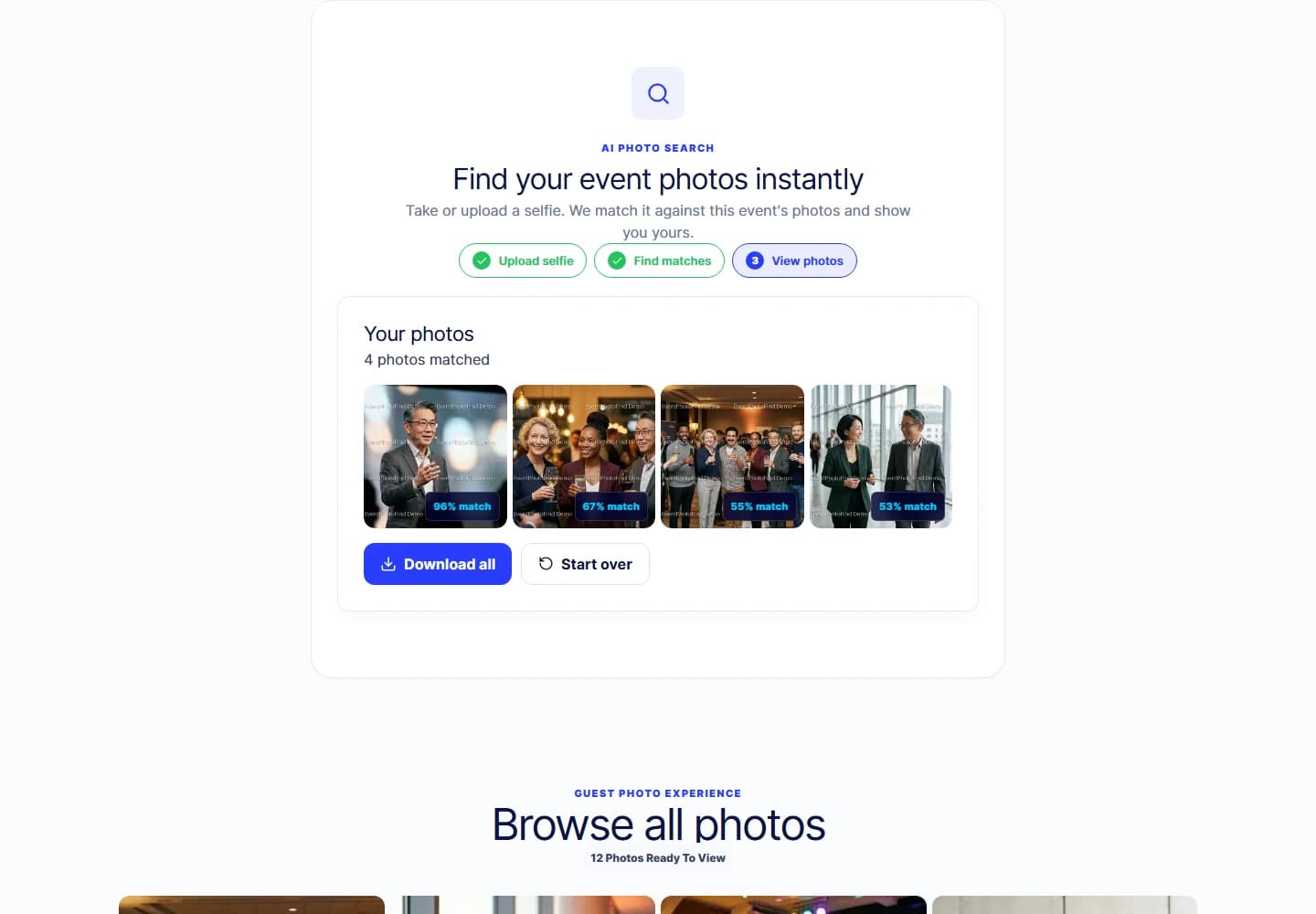
Guests can view their matches and use the delivery options enabled for the event.
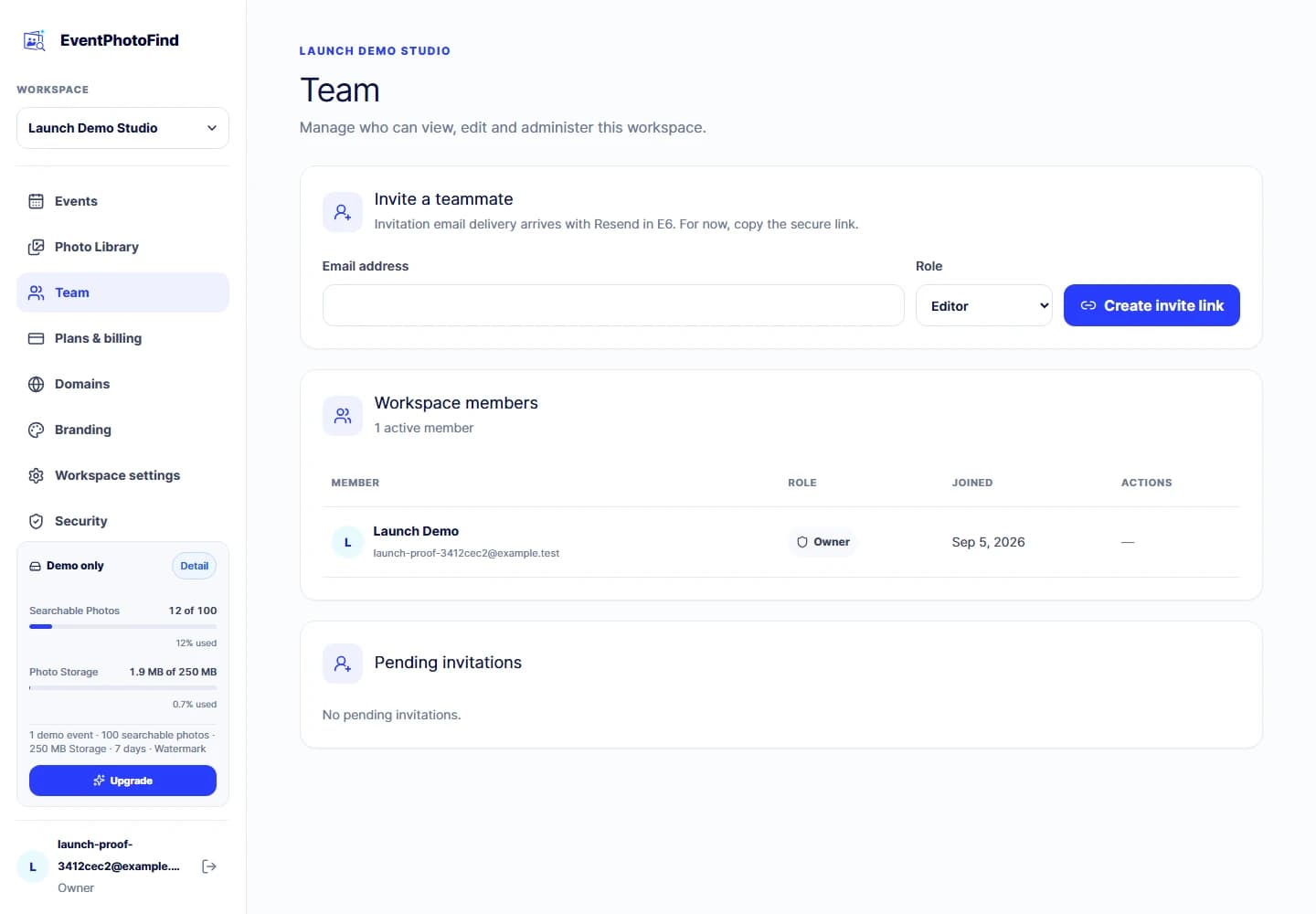
Invite workspace members with the owner, admin, editor or viewer roles already defined by the product.
Who it is for
Move from completed shoot to guest self-service without becoming the search desk.
Give a client event a polished, branded delivery layer.
Turn the photographer’s final files into an experience for employees or customers.
Start with one graduation, sports day, performance or learning event.
Designed around a narrower data footprint
Guest selfie input is processed in memory for one event search and discarded. Event scope, consent versioning and server-side authorization are part of the workflow—not optional marketing language.
Capacity that follows your work
Paid plans combine a monthly Searchable Photo allowance with concurrent Photo Storage for a prepaid 1, 3 or 12 month term. The first hard capacity reached blocks new uploads.
Explore the guest journey on one watermarked demo event.
Choose the capacity that fits your photo delivery workload.
Common questions
No. Long-term full-resolution storage is not included by default. Paid raw originals follow the prepaid term plus the 7-day owner recovery grace period. For retention beyond your term, contact us about enterprise terms.
No. On paid plans, the allowance measures photos processed with at least one detected face inside the current purchase-anniversary month. Later deletion does not refund that month’s throughput.
No. Failed photos and processed photos with zero detected faces do not consume the Searchable Photo allowance. Raw storage remains counted until the raw object is confirmed deleted.
Yes. Event creators can configure controlled theme variables and content modules while EventPhotoFind keeps the interaction and accessibility patterns consistent.
Paid plans can run multiple events against the workspace allowance. Demo is limited to one event per workspace and cannot be reset by deleting it.
Start Free, upload a small set to Photo Library and experience EventPhotoFind from both sides of the Page link.