
We did not take these photos ourselves.
That is the normal case. If your organization has the right to use and distribute the delivered files, your team can upload the set and manage the experience.
For company event teams
The photographer sends the files and the folder goes quiet. Upload the set once, apply your event branding, and share one page where employees or customers can find the moments they are in.
One demo event. Up to 100 Searchable Photos and 250 MB of Photo Storage for 7 days. Watermarked delivery, with no card required.

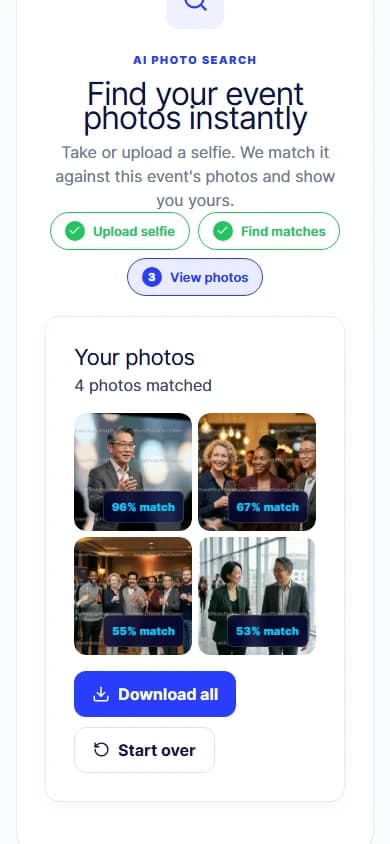
AI-generated event scene. Product screens captured in EventPhotoFind with demo photos.
After the photographer leaves
The files arrive, someone drops them in a drive, and a link goes out to everyone. Finding yourself in it means scrolling the whole set, frame by frame.
One folder link sent to everyone
One event page each person can search
People scroll the whole set looking for themselves
Each person sees the frames they are in
The folder looks nothing like the event
The page carries your event branding
Requests come back to your team by email
People help themselves from the same link
From handoff to shared
Set the name, date, cover, logo and theme people will see.
Bring in the files your organization is authorized to use and distribute. Each file can be up to 80 MB.
EventPhotoFind prepares gallery-sized images and builds an event-scoped face-search index.
Send the event URL or a QR code through the channel your people already read.
Each person searches with a selfie and sees the frames they appear in.
What it actually looks like
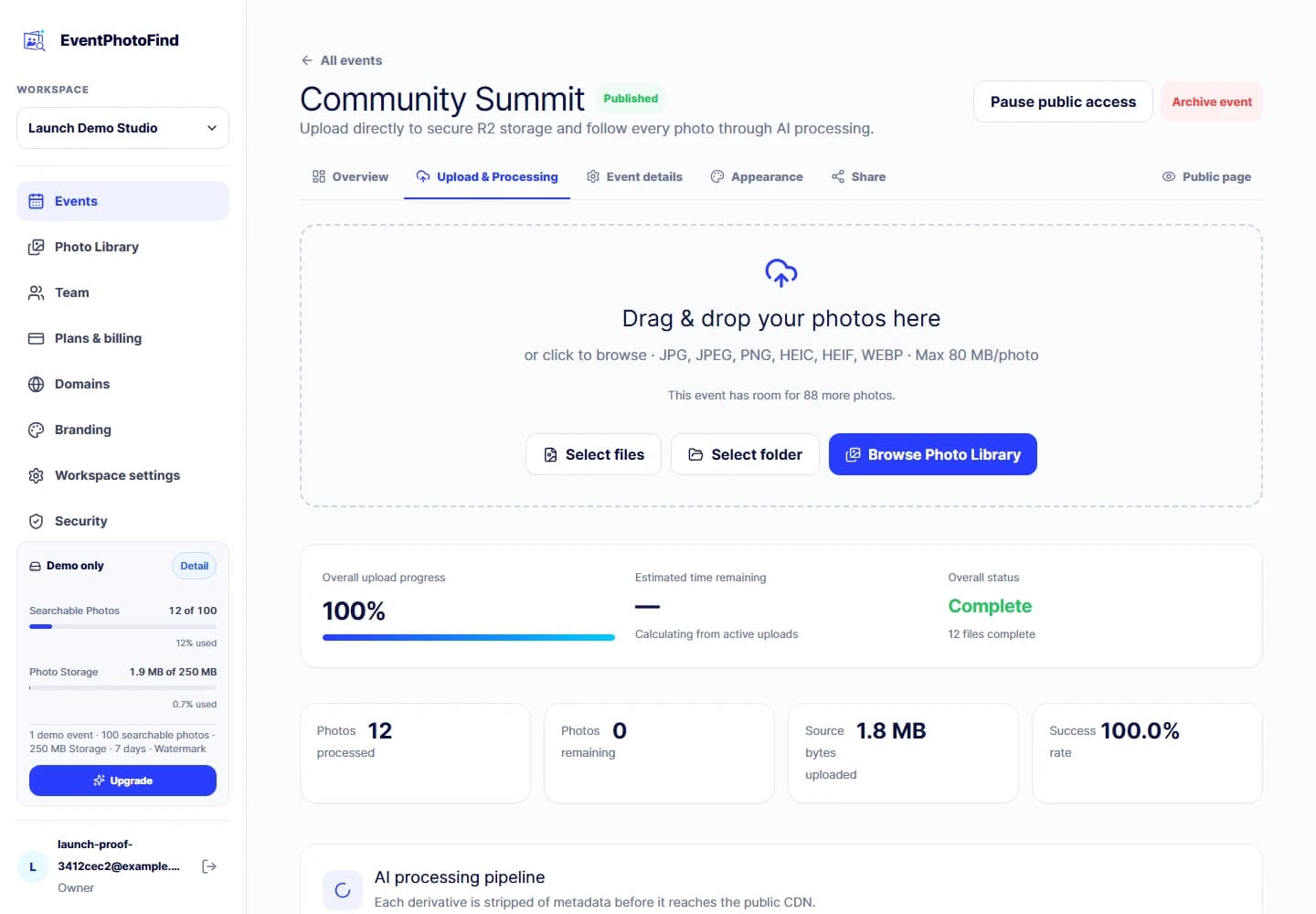
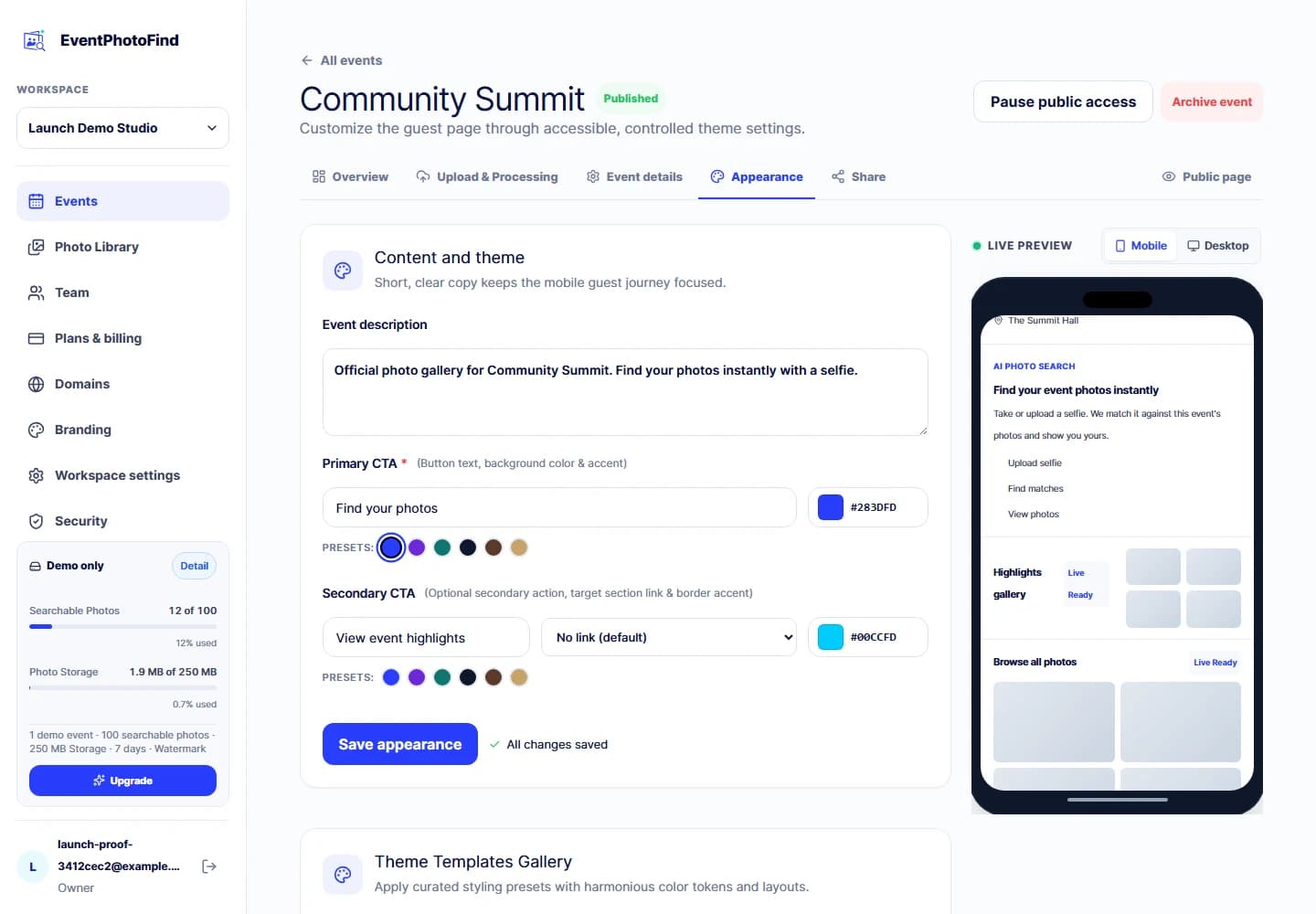
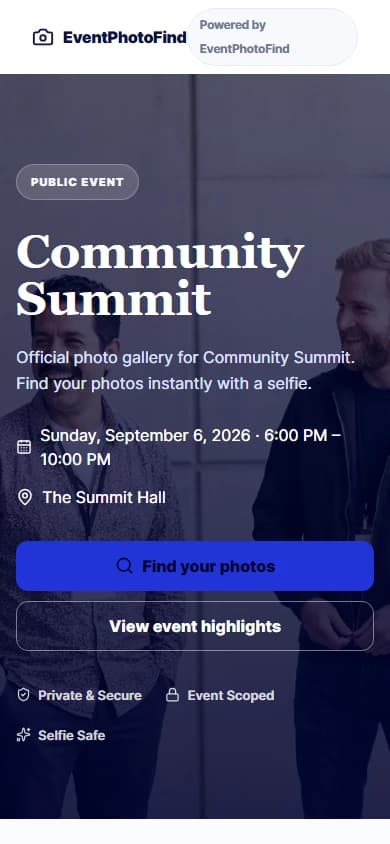
Give attendees a way to find themselves in a two-day programme without scrolling all of it.
Share the year-end or anniversary set with everyone who was there.
Send guests home with the photos they are in, on a page that still looks like your brand.
Hand the activation photos to the people who took part, from one link.
Keep the set in one place your people can search instead of a folder nobody opens.
The questions that come up first
That is the normal case. If your organization has the right to use and distribute the delivered files, your team can upload the set and manage the experience.
No. They open the event page in a browser, review the notice and take a selfie.
It is received in memory, used for that one event search and discarded when the request ends. It is not stored as a file, database record or log payload.
No. There is no directory integration and no sign-in with your company identity provider. Each event stands on its own.
No. Every public guest search is scoped to one event. There is no cross-event search.
Capacity that follows your calendar
Start Free gives you the full guest journey on one watermarked demo event. Paid plans are prepaid for 1, 3 or 12 months and combine a monthly Searchable Photo allowance with concurrent Photo Storage.
Paid subscriptions do not auto-renew. Enterprise capacity is contact-assisted.
Frequently asked questions
Yes. If your organization has the right to use and distribute the files, your event, marketing or people team can upload the delivered set and manage the guest experience.
No. They open the public event page in their browser. There is no app to install.
No. There is no employee directory integration and no company identity provider sign-in. Access is through the event link you share.
No. It is processed in memory for the current event search and discarded when the request ends.
No. Each public guest search is scoped to a single event. EventPhotoFind does not build a persistent profile across events.
Start Free covers one demo event for 7 days. Paid plans are prepaid for 1, 3 or 12 months and include a monthly Searchable Photo allowance plus concurrent Photo Storage. They do not auto-renew.
Create one demo event, upload a small set and walk the journey yourself before deciding.