
Will the page look like the client's event?
You control the event cover, logo, theme and page sections. The free demo keeps EventPhotoFind branding and watermarks.
For event agencies
The photographer hands over the files. Your team turns them into a page that looks like the event, then shares one link. Guests find matching photos with a selfie instead of asking your team to search for them.
One demo event. Up to 100 Searchable Photos and 250 MB of Photo Storage for 7 days. Watermarked delivery. No card required.

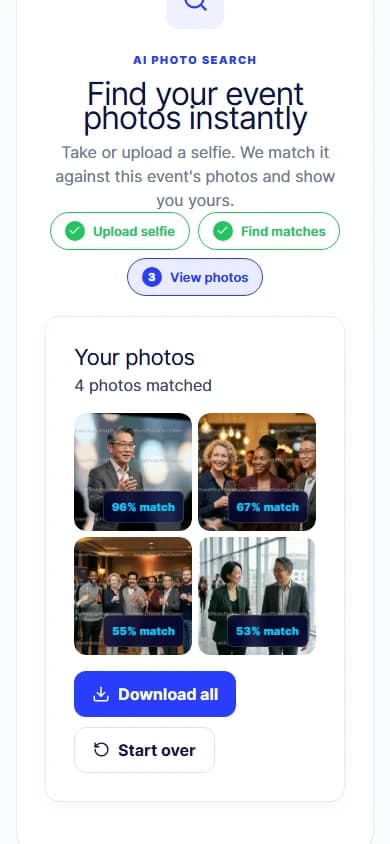
AI-generated event scene. Product screens captured in EventPhotoFind with demo photos.
After the event
A shared folder gets the photos to your team. A branded event page gives guests somewhere to begin—and a way to find their own moments.
Your team answers photo requests in chat and email
Guests search the event themselves with a selfie
A file handoff feels separate from the event
The guest page carries the event cover, logo and theme
Guests need help finding the right starting point
One event link or QR code opens the guest experience
Delivery steps are improvised for the next booking
Your team follows the same event-by-event workflow
From photographer handoff to guest delivery
Collect the files from the photographer using your existing handoff process.
Set the event details, cover, logo, theme and page sections your guests will see.
Upload from your browser and check the processing status before sharing. Each file can be up to 80 MB.
Send the guest-facing URL or QR code through the channels you already use.
Guests review the search notice, take or choose a selfie, and see matching photos from that event.
Inside the product
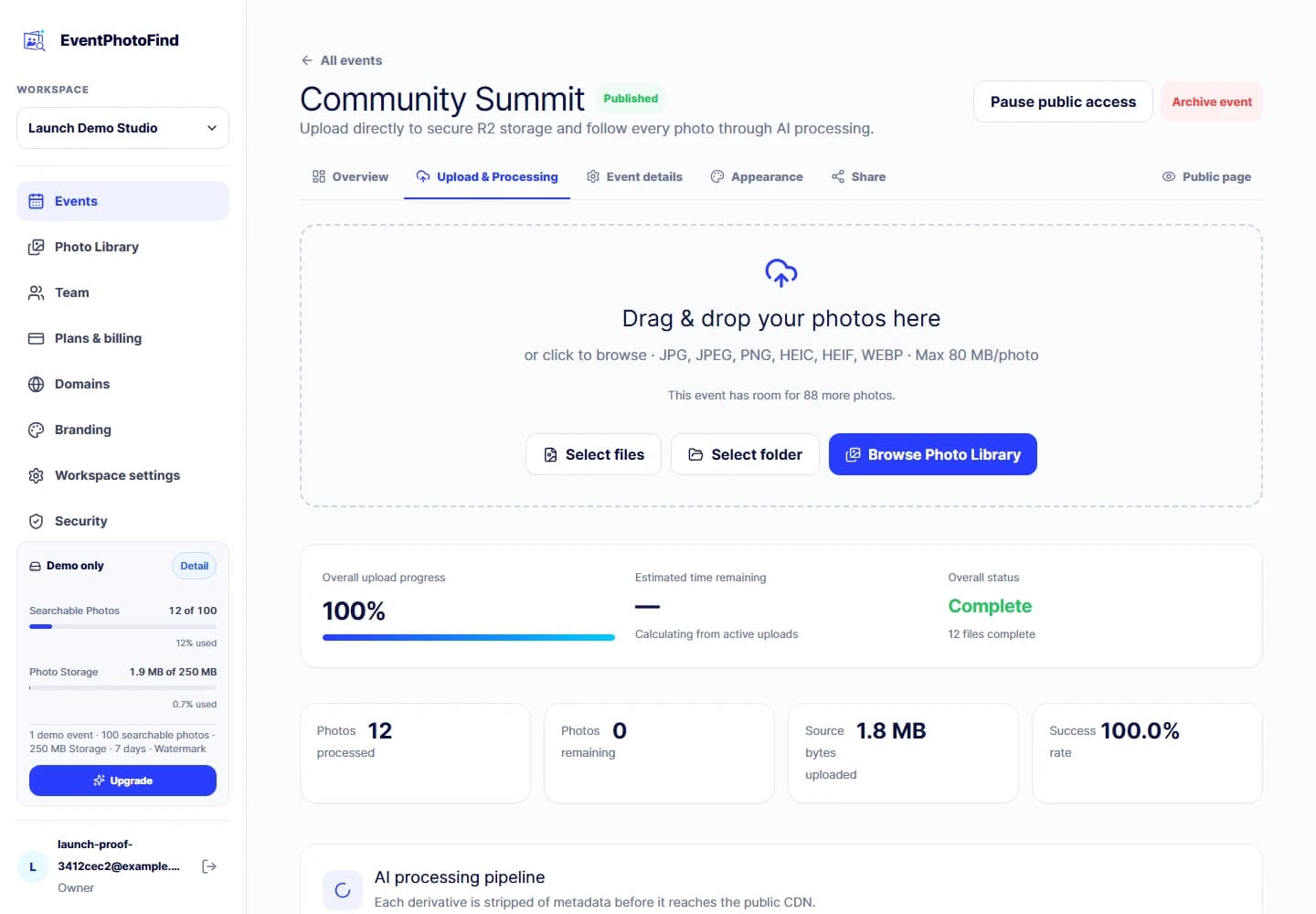
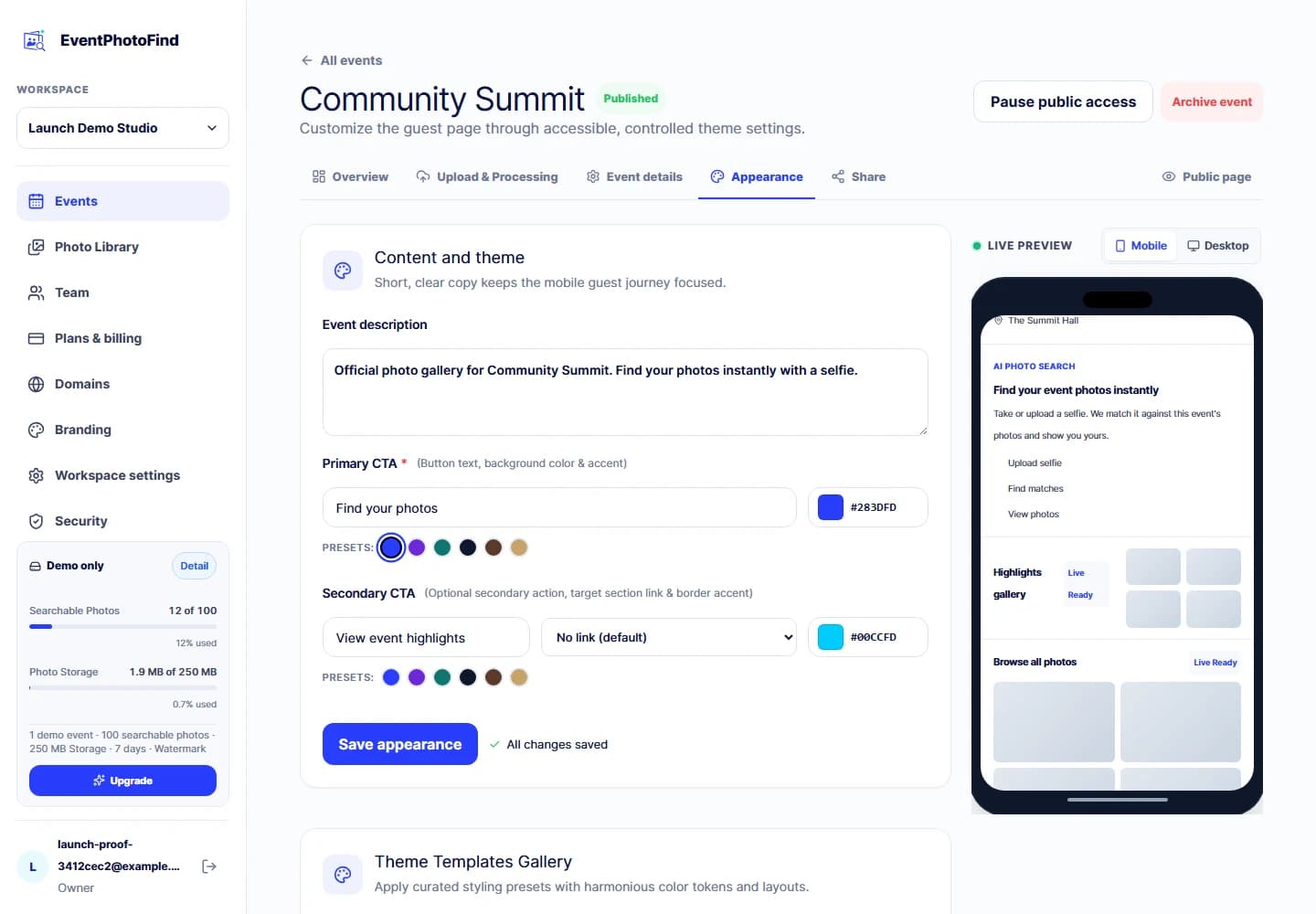
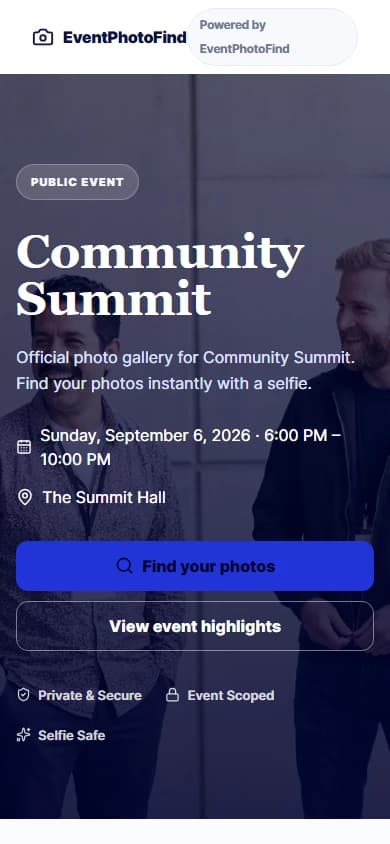
Give attendees one event page to return to when they want to find their photos.
Carry the event's visual identity into the photo experience with its cover, logo and theme.
Let guests search for their moments after the event instead of sending individual requests to your team.
Create a separate event page for each occasion and follow the same delivery steps on the next booking.
Before you use it for a client
You control the event cover, logo, theme and page sections. The free demo keeps EventPhotoFind branding and watermarks.
Yes. Give them the guest-facing event link to share. Sharing that link does not give dashboard access or transfer event ownership.
Workspace roles are not client-specific permissions. Do not invite a client into your agency workspace expecting access to only their event.
Try the workflow before choosing capacity
Upload a small photo set you have permission to use, apply the event brand and walk through the guest experience. Paid plans combine a monthly Searchable Photo allowance with concurrent Photo Storage. Whichever limit is reached first blocks new uploads.
Paid plans are prepaid for 1, 3 or 12 months and do not auto-renew. custom Enterprise terms are contact-assisted.
Questions before your first event
No. Receive the files through your existing process, then upload them to EventPhotoFind. There is no automatic import from the photographer's delivery service in this workflow.
No. Guests open the public event page in their browser, review the selfie-search notice, then take or choose a selfie.
No. A guest selfie search is scoped to the event they opened, not the other events in your workspace.
The selfie is processed in memory for the current event search and discarded when the request ends. It is not saved as a file, database record or application log payload.
Yes. EventPhotoFind defines owner, admin, editor and viewer roles within a workspace. These are workspace memberships, not a private client portal or per-event client permissions.
New uploads, guest search and guest original downloads stop at the prepaid term end. The following 7 days are for the owner to renew or recover raw originals, not continued guest access.
Create a demo event, upload a small set and test the guest journey yourself before choosing a paid plan.